Contributions
Data driven booth population

Networked players with nametags
In-world project displays
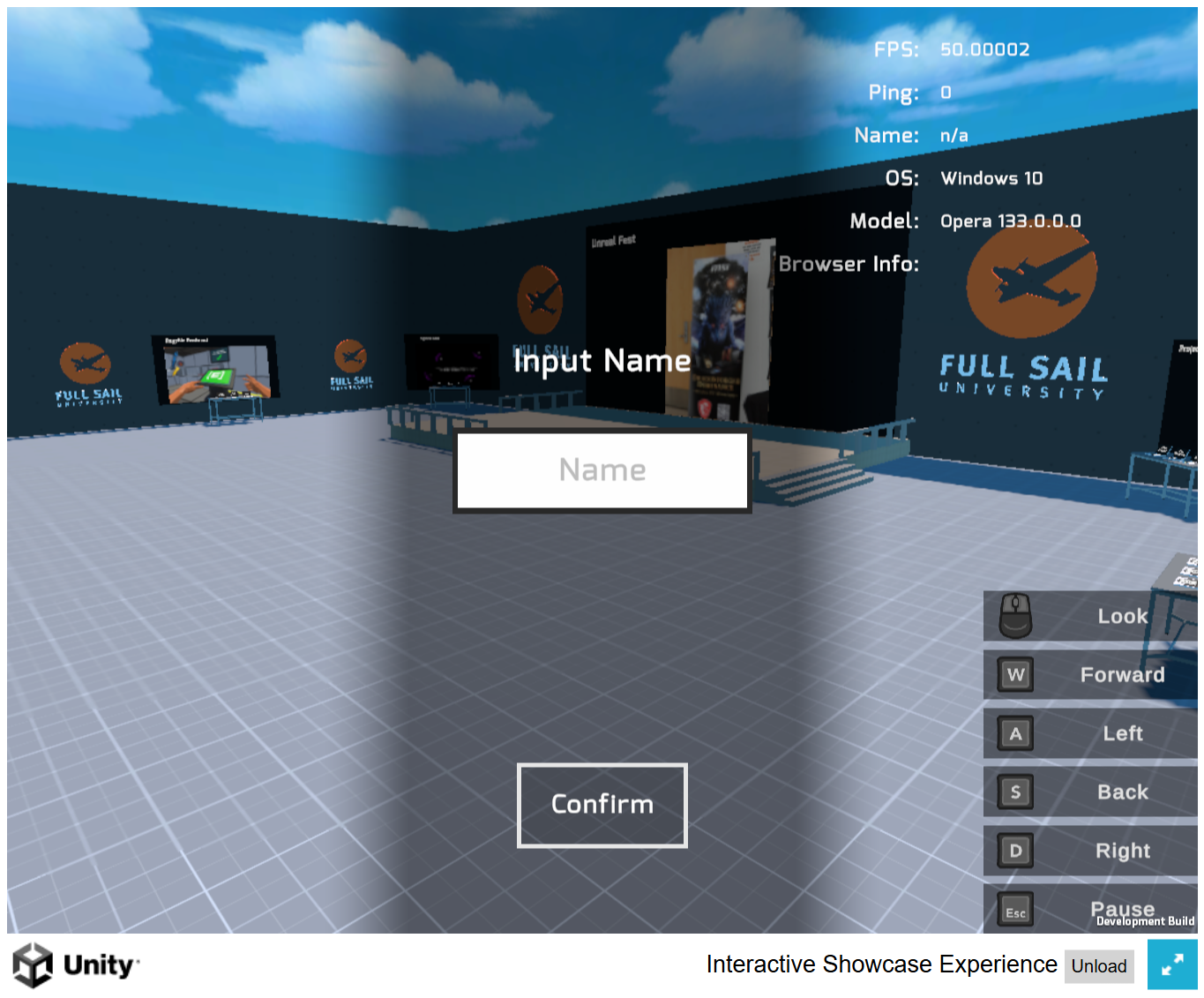
Name entry on join
First person navigation
Performance and browser diagnostics
Data Driven Booths
- A virtual expo hall where each booth is described by its own data — project name, team, degree program and links.
- The hall fills itself from that data rather than from hand-placed scenes, so adding a project to the show does not mean editing the level.
- Booth signage and screen content both come from the same entry, which keeps them from drifting apart.
Multiplayer
- Visitors share the hall, each with an avatar and a floating nametag taken from the name they entered on join.
- Ping sits in the HUD next to the other diagnostics, so connection quality is visible while walking around.
Running in the Browser

- Booth screens play each project's own media in place, so visitors see the work without leaving the hall.
- The HUD reports frame rate, operating system and browser, which matters for a build people open in whatever browser they already have.
- Ships as a Unity WebGL build, so it opens from a link with nothing to install.

The hall on load, asking the visitor for a name before joining.
Two clients in the same hall, each seeing the other's nametag.
A booth screen playing its project in place.
Project media loading onto a booth display.