Contributions
Shunting yard expression parser
Postfix solver and tokeniser
Trig and modulo support
Error handling for bad input
wxWidgets interface and sizers
Table driven button factory
Keyboard input and font scaling
20 unit tests
About
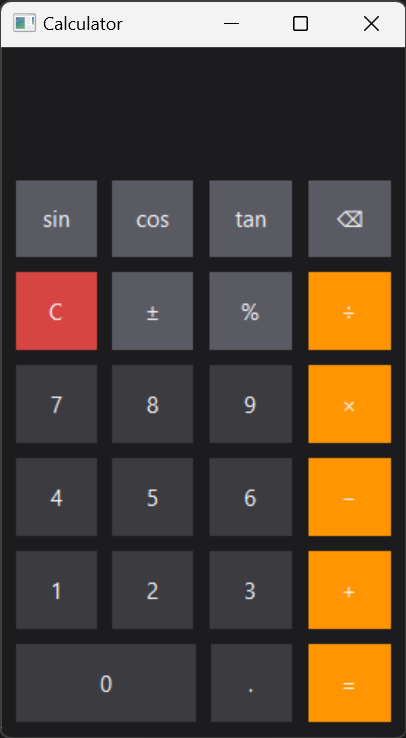
- A desktop calculator written in C++ with wxWidgets for a software engineering course.
- The full expression is entered first and then solved, rather than one operation at a time.
- Button and keyboard events link to functionality to only operate when requested.
Order of Operations
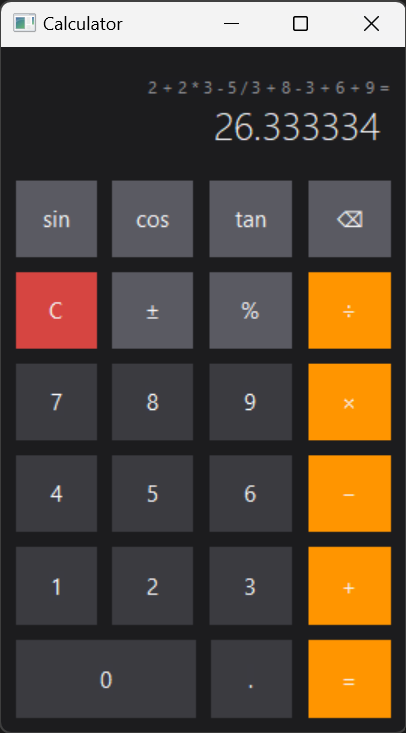
- Expressions follow PEMDAS instead of solving left to right as they are typed.
- Long equations can be solved and displayed.
- The history line shows the previous expression before being solved.
Shunting Yard
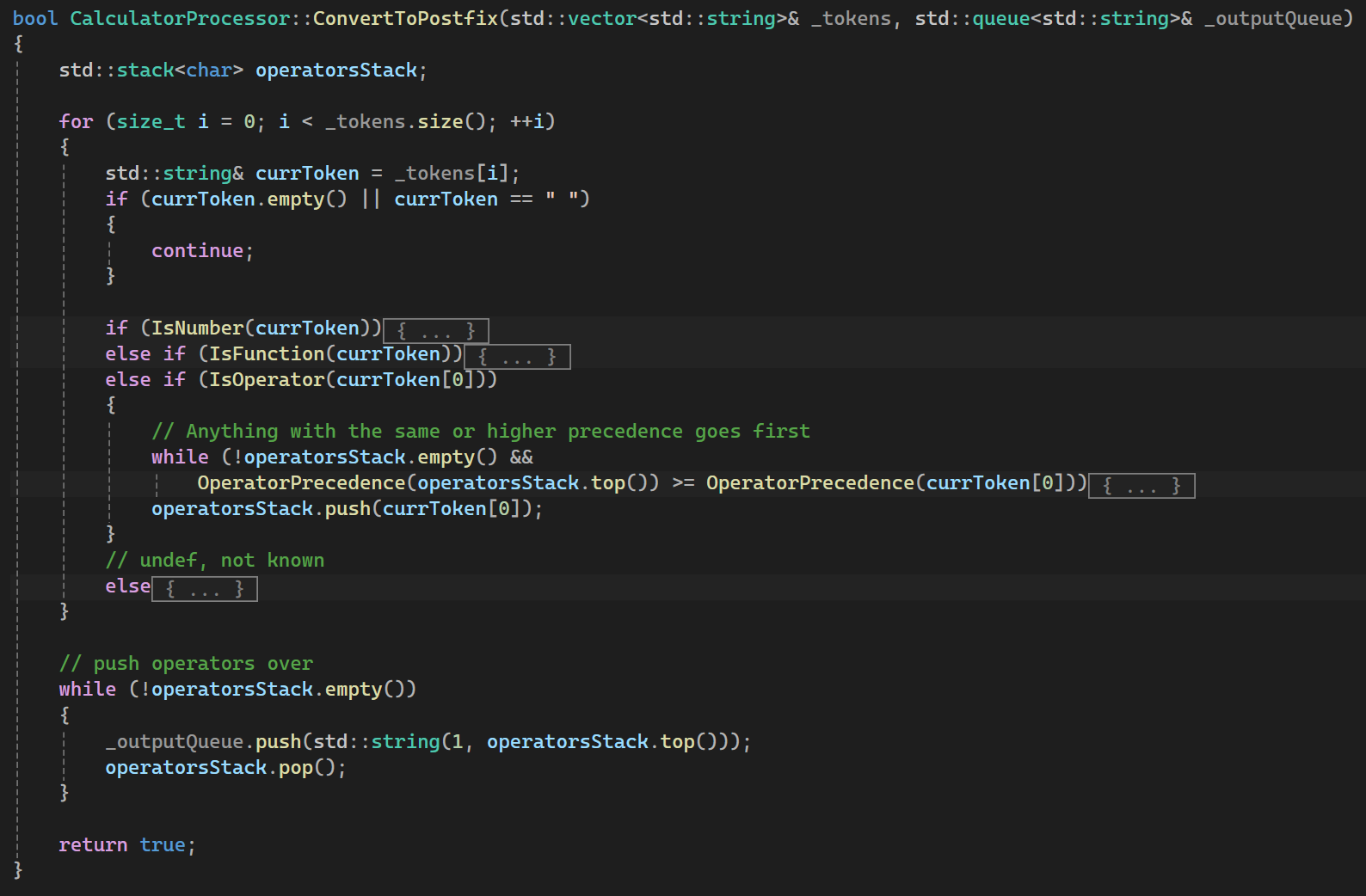
- ConvertToPostfix reads each token in order and uses an operator stack to convert the expression into postfix.
- Parsing and solving are separate steps. SolvePostfix reads the finished queue and returns a single value.
- Unrecognised tokens return undef, which is displayed instead of an answer.
Trig Functions
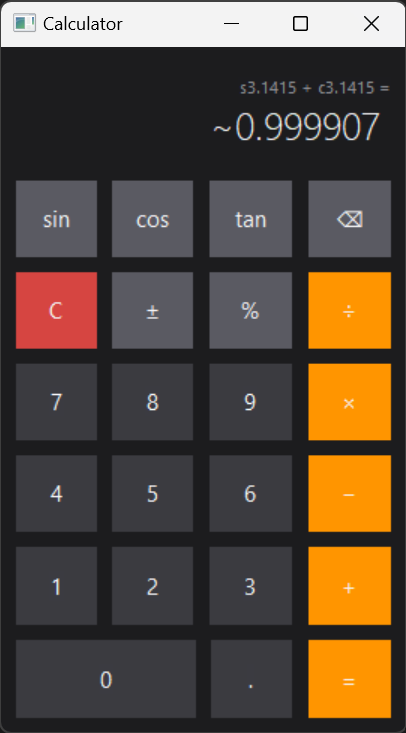
- Sine, Cosine and Tangent use radians and are entered as s, c and t in front of a number.
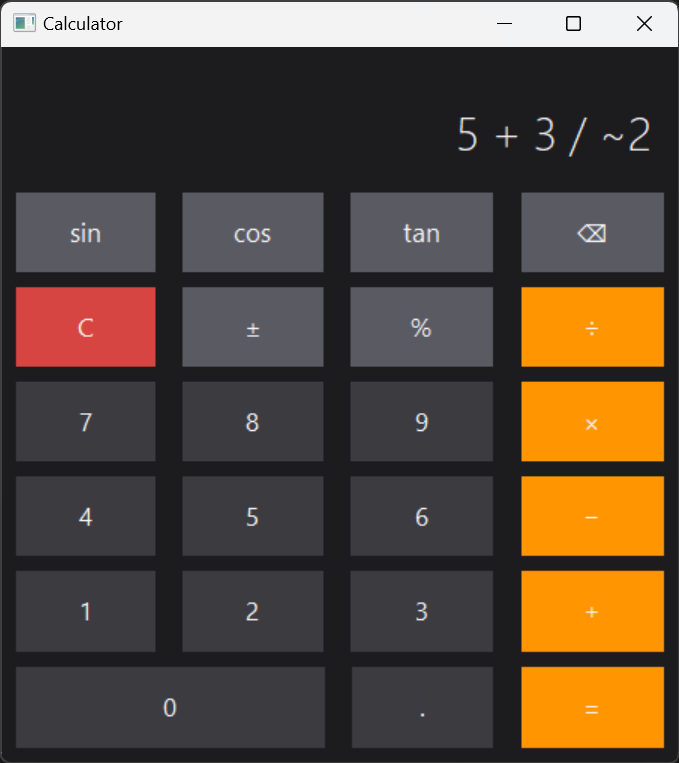
- s3.1415 + c3.1415 returns ~0.999907. The tilde is the negative sign, inserted by the plus minus button.
- Trig terms are solved before the expression is converted to postfix.
Buttons and Resizing
- Each button is defined in a single table. An entry holds the id, label, symbol, keyboard keys and button type, and the type sets the colour.
- The window can be resized. Fonts scale with it and stop at a minimum size so labels stay inside their buttons.
- Divide and mod by zero are checked before solving. Malformed input, such as a trailing operator, returns undef.